Zip the game folder
Keep the executable and data files together. For large archives, create the ZIP in store mode with no compression.
Classic 32-bit Windows games, running in WebAssembly.
wemu is a browser-first Win32 HLE emulator for old games. It opens a local ZIP, maps the game into a compact runtime, and runs without uploading your files.
Play it Now
The player supports desktop browsers and mobile Safari, including iOS and iPadOS. On iPhone and iPad, wemu guides you through adding the player to the Home Screen before launching games.
Keep the executable and data files together. For large archives, create the ZIP in store mode with no compression.
If the archive contains multiple EXE files, the player asks which one to start.
The browser reads your files locally. No account, installer, or cloud upload is required.
Screenshots
wemu is experimental. These screenshots use non-commercial Windows-compatible apps and games currently used to guide reusable Win32 behavior.
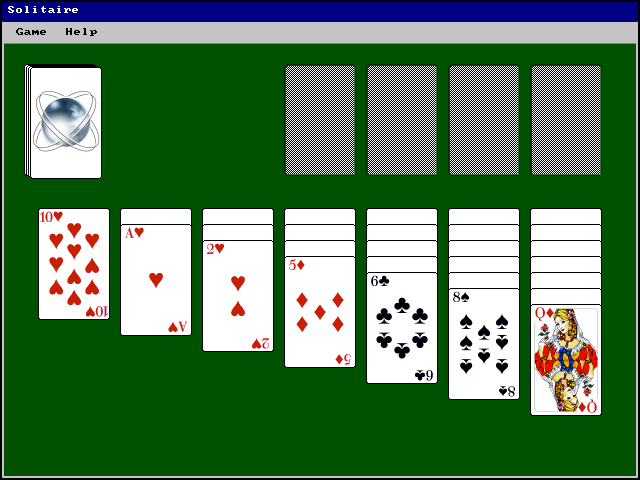
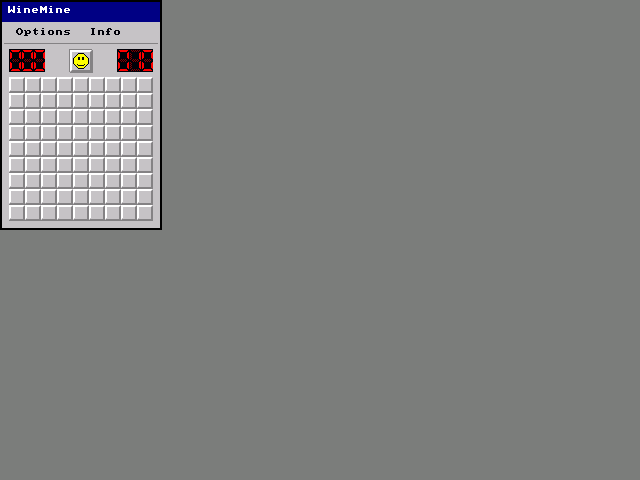
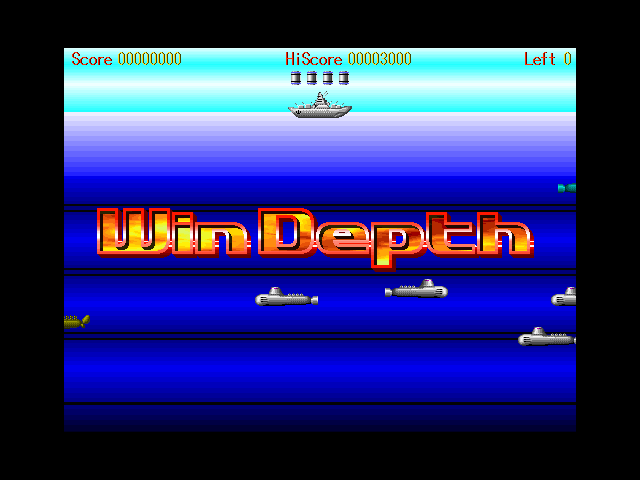
Optimized for WASM
Different emulator projects choose different compatibility layers. wemu deliberately skips the guest OS, kernel, and hardware layers, and implements the Win32 APIs old games need directly in Rust and WASM.
Performance Model
Kernel32, USER, GDI, WinMM, DirectDraw, CRT, and COM calls run through host-side emulator code instead of a full guest Windows stack.
2D-heavy games get a direct path from emulated Win32 graphics calls to browser or SDL2 presentation.
Guest addresses are directly usable inside a reserved host or WASM address range, avoiding SoftMMU dispatch on normal loads and stores.
Status
wemu is useful for trying classic 32-bit Windows games in the browser, on iOS/iPadOS, or through the SDL2 frontend, but it is not a general-purpose Windows emulator.